Create custom screen savers with high impact

How to download
My Screen Saver
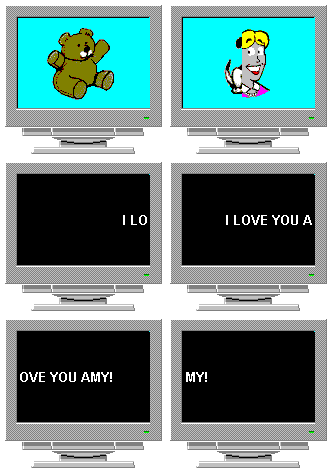
Have you ever wanted to design your very own, personalized Windows screen saver? Now you can build one, adding your favorite graphic images and words of wisdom.

Our easy to use software provides all the tools you need to create a custom screen saver

To download the My Screen Saver software program that you can use and evaluate on your own PC computer, please follow these 2 simple steps:

1) Let us know how you found us...

2) Then click on the "Download now" button at the bottom of the page.

That's it!  If you have any problems downloading please feel free to contact us.

How did you learn about this software program?

I found your program through: (required)
Developer of screen saver software. We can create custom screen saver software for customer and retail use. IF you would like to be notified when a new version of this program is released in the future, leave your email address below and we will contact you at that time...
Email address: (optional)
Create screen savers for your personal use with My Screen Saver software

Custom screen saver development
 My Screen Saver:
Version 2.00 - MYSCRN20.EXE  

Note: Click the button only once, then be patient.  It may be a few seconds before the download actually begins.

Note: The EXE file above is a self-installing file for use with all versions of Microsoft Windows (approximate file size is 910k bytes).


 Educational Software  |  Productivity Software  |  Inspirational Software
Main Menu  |  How to purchase |  Contact us